Three certifications. One focused place to study. A+ · Network+ · Security+

220-1201 + 220-1202 · V15 · CompTIA A+ training

CompTIA A+The ticket is yours.What do you check first?

LEARN IT. USE IT. TEST IT.

Study for both A+ exams with practice questions, topic analytics, performance-based tasks and hands-on labs. Bring your hardware knowledge and troubleshooting decisions together.

Practice exams · PBQs · Hands-on labs

T.

Support workspace

Illustrative preview · sample data

Illustrative IT support workstation: observe symptoms, test and resolve.

YOUR NEXT CHALLENGE

01 / 03

Connected. But not quite working.

A user can reach the gateway, but the support portal will not open by name.

Gateway test
Reply received
Portal by IP
Reachable
Name lookup
Timed out

Your next check: DNS configuration and reachability.

A study routine that connects knowing with doing.

Less guessing. More doing.

Give your knowledge
a practical test.

Try an original A+ sample, a matching task or a short simulated lab. These previews work right here.

SCENARIO QUESTION01 / 01

A Windows laptop can open an internal application by IP address, but the same application fails to open by hostname. Which service should the technician investigate first?

Select one answer

A routine worth repeating

Make your next
study session count.

Progress comes from what you do with your results. Keep the cycle simple.

01

Find your starting point.

Complete a practice session and review which topics felt uncertain.
02

Work on the gaps.

Read the explanations, try a practical task and revisit the relevant concepts.

03

Check your progress.

Return to practice and look for consistent understanding across topics.

Your study toolkit

Know it. Try it.
Put it to work.

A question tells you what you remember. A practical task shows you how you use it. Make room for both.

01

Practice exams

Work through exam-style questions. Use each explanation to understand the decision behind the answer.

02

Performance analytics

See your topic results and study patterns. Give the areas that need work a clear place in your next session.

03

Performance-based questions

Move from recognizing a concept to using it in a practical task or troubleshooting scenario.

04

Hands-on labs

Put concepts into a practical workflow, from checking the evidence to verifying the result.

A closer look at your learning path

What’s included

Study, practice and put the concepts to work. Expand the lessons below to see the published course activities.

  • Exam study guide

    Read the concepts and revisit explanations.

  • Practice exams

    Work through questions across exam domains.

  • PBQs & simulated labs

    Make decisions and work through practical tasks.

  • Performance insights

    Use your results to decide what to study next.

Course outline

CompTIA A+ 220-1201 Core 1 (V15) Complete Course

7 lessons · 47 topics · 5 quizzes

01 · Start Here3 topics
  • Welcome to Your CourseTopic
  • How to Use Exams, PBQs & LabsTopic
  • Exam Objectives & Study PlanTopic
02 · Study Guide & Resources3 topics
  • Study Guide · 220-1201Topic
  • Objective-by-Objective Reading MapTopic
  • Acronyms & Quick ReferenceTopic
03 · Domain Practice5 quizzes
  • 220-1201 · Domain 1 · Mobile Devices · Practice 01Quiz
  • 220-1201 · Domain 2 · Networking · Practice 01Quiz
  • 220-1201 · Domain 3 · Hardware · Practice 01Quiz
  • 220-1201 · Domain 4 · Virtualization and Cloud Computing · Practice 01Quiz
  • 220-1201 · Domain 5 · Hardware and Network Troubleshooting · Practice 01Quiz
04 · Performance-Based Questions30 topics
  • PBQ 01 · Mobile Repair IntakeTopic
  • PBQ 02 · Choose the Right DockTopic
  • PBQ 03 · Mobile Connectivity and SyncTopic
  • PBQ 04 · Service and Port DeskTopic
  • PBQ 05 · Wireless Channel PlanTopic
  • PBQ 06 · Map the Network ServicesTopic
  • PBQ 07 · DNS and DHCP Change SheetTopic
  • PBQ 08 · Build the Branch ConnectionsTopic
  • PBQ 09 · Repair the SOHO Address PlanTopic
  • PBQ 10 · Choose an Internet ConnectionTopic
  • PBQ 11 · Select the Technician’s ToolsTopic
  • PBQ 12 · Match the Display to the JobTopic
  • PBQ 13 · Cable and Connector BenchTopic
  • PBQ 14 · Compatible Memory UpgradeTopic
  • PBQ 15 · Storage Compatibility and ResilienceTopic
  • PBQ 16 · Motherboard and Expansion FitTopic
  • PBQ 17 · Power Supply SelectionTopic
  • PBQ 18 · Shared Printer DeploymentTopic
  • PBQ 19 · Printer Maintenance QueueTopic
  • PBQ 20 · Build an Isolated Test VMTopic
  • PBQ 21 · Choose a Cloud Service ModelTopic
  • PBQ 22 · No POST After an UpgradeTopic
  • PBQ 23 · Degraded Mirror InvestigationTopic
  • PBQ 24 · Meeting-Room Display TriageTopic
  • PBQ 25 · Mobile Support Decision BoardTopic
  • PBQ 26 · Wired Link FlappingTopic
  • PBQ 27 · Frozen Queue or Printer Fault?Topic
  • PBQ 28 · The Address Works, the Name Does NotTopic
  • PBQ 29 · Thermal Shutdown After a RepairTopic
  • PBQ 30 · Printer Symptom CorrelationTopic
05 · Hands-On Labs5 topics
  • Lab 01 · Restore a Mobile WorkstationTopic
  • Lab 02 · Recover a SOHO NetworkTopic
  • Lab 03 · Upgrade and Verify a Support WorkstationTopic
  • Lab 04 · Build an Isolated Client VMTopic
  • Lab 05 · Restore Printing and ScanningTopic
06 · Final Exam Day Simulator3 topics
  • Before Your Exam SimulationTopic
  • CompTIA A+ Core 1 Exam Day SimulatorTopic
  • Review Your Exam ResultsTopic
07 · Final Review & Next Steps3 topics
  • Review Your ReadinessTopic
  • Target Your Weak ObjectivesTopic
  • Your Exam-Day ChecklistTopic

Course outline

CompTIA A+ Core 2 220-1202 (V15) Complete Course

7 lessons · 45 topics · 4 quizzes

01 · Start Here2 topics
  • Welcome to Your CourseTopic
  • How to Use Exams, PBQs & LabsTopic
02 · Study Guide & Resources3 topics
  • Study Guide · 220-1202Topic
  • Objective-by-Objective Reading MapTopic
  • Acronyms & Quick ReferenceTopic
03 · Domain Practice4 quizzes
  • 220-1202 · Domain 1 · Operating Systems · Practice 01Quiz
  • 220-1202 · Domain 2 · Security · Practice 01Quiz
  • 220-1202 · Domain 3 · Software Troubleshooting · Practice 01Quiz
  • 220-1202 · Domain 4 · Operational Procedures · Practice 01Quiz
04 · Performance-Based Questions30 topics
  • PBQ 01 · Choose the Right Operating SystemTopic
  • PBQ 02 · Plan a Controlled OS DeploymentTopic
  • PBQ 03 · Select the Windows Diagnostic ToolTopic
  • PBQ 04 · Investigate a Windows Network ClientTopic
  • PBQ 05 · Configure a Shared Windows WorkstationTopic
  • PBQ 06 · Support a macOS UserTopic
  • PBQ 07 · Read the Linux Support EvidenceTopic
  • PBQ 08 · Approve an Application InstallationTopic
  • PBQ 09 · Restore a Cloud Productivity WorkflowTopic
  • PBQ 10 · Build an Access Control PlanTopic
  • PBQ 11 · Resolve Shared Folder PermissionsTopic
  • PBQ 12 · Secure a Small Office Wireless NetworkTopic
  • PBQ 13 · Triage Suspicious Endpoint ActivityTopic
  • PBQ 14 · Plan SOHO Malware RecoveryTopic
  • PBQ 15 · Harden a Shared WorkstationTopic
  • PBQ 16 · Apply a Mobile Device PolicyTopic
  • PBQ 17 · Retire Storage Without Losing ControlTopic
  • PBQ 18 · Repair a Browser Security ConfigurationTopic
  • PBQ 19 · Recover a Windows Startup FailureTopic
  • PBQ 20 · Restore a Mobile ApplicationTopic
  • PBQ 21 · Investigate a Mobile Security AlertTopic
  • PBQ 22 · Distinguish PC Security SymptomsTopic
  • PBQ 23 · Write a Useful Support TicketTopic
  • PBQ 24 · Prepare a Safe Change WindowTopic
  • PBQ 25 · Choose and Test a Restore ChainTopic
  • PBQ 26 · Make the Work Area SafeTopic
  • PBQ 27 · Preserve Evidence and Respect PrivacyTopic
  • PBQ 28 · Review a Support Script Before UseTopic
  • PBQ 29 · Choose a Remote Support MethodTopic
  • PBQ 30 · Use an AI Assistant Within PolicyTopic
05 · Hands-On Labs5 topics
  • Lab 01 · Restore a Windows WorkstationTopic
  • Lab 02 · Secure an Identity, Files and BrowserTopic
  • Lab 03 · Contain and Recover an Endpoint IncidentTopic
  • Lab 04 · Restore Mobile and Cloud WorkflowsTopic
  • Lab 05 · Resolve a Cross-Platform Support RequestTopic
06 · Final Exam Day Simulator3 topics
  • Before Your Exam SimulationTopic
  • CompTIA A+ Core 2 Exam Day SimulatorTopic
  • Review Your Exam ResultsTopic
07 · Final Review & Next Steps2 topics
  • Review Your ReadinessTopic
  • Target Your Weak ObjectivesTopic
One lifetime bundle. All four study guides included.

A+ Core 1, Core 2, Network+ and Security+ — with no additional ebook purchase.
Get lifetime access

A clear study map

Exam coverage

See how the exam objectives fit together, then give each topic a place in your study routine.

01Mobile Devices13%

Mobile hardware, accessories, connectivity and synchronization.

Ports, protocols, wireless networks, IP addressing and common network tools.

Components, connectors, storage, power supplies, printers and peripherals.

Client virtualization, cloud models and common use cases.

Diagnose device, display, printer and network connectivity problems.

01Operating Systems28%

Install, configure and support Windows, macOS, Linux and mobile operating systems.

Access controls, endpoint security, malware prevention and secure practices.

Resolve operating system, application and security-related issues.

Documentation, change management, safety, professionalism and support processes.

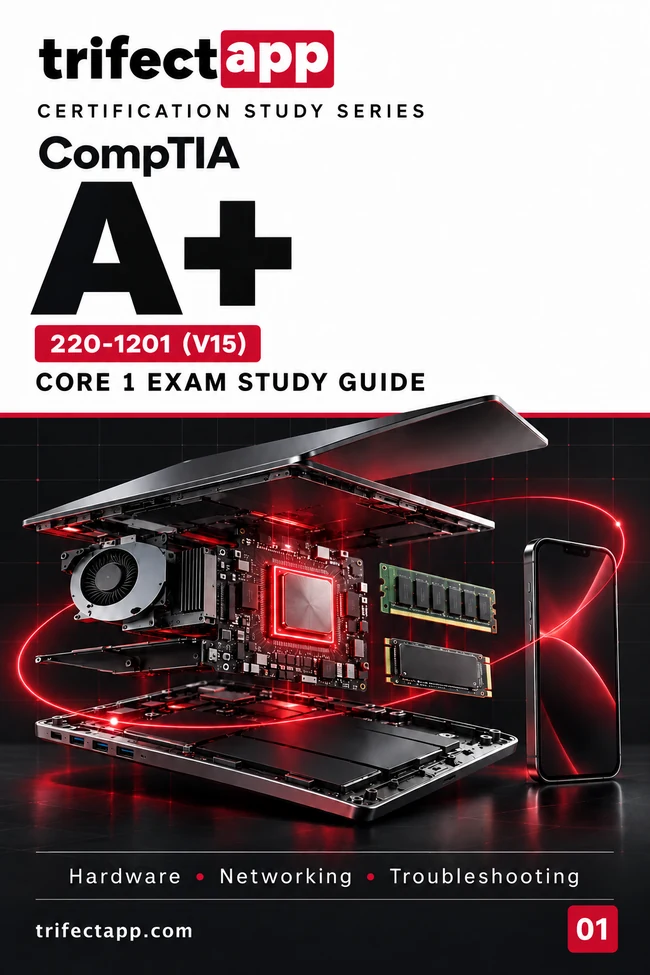
CompTIA A+ Core 1 220-1201 (V15) Exam Study Guide cover

A+ Core 1

220-1201 · V15

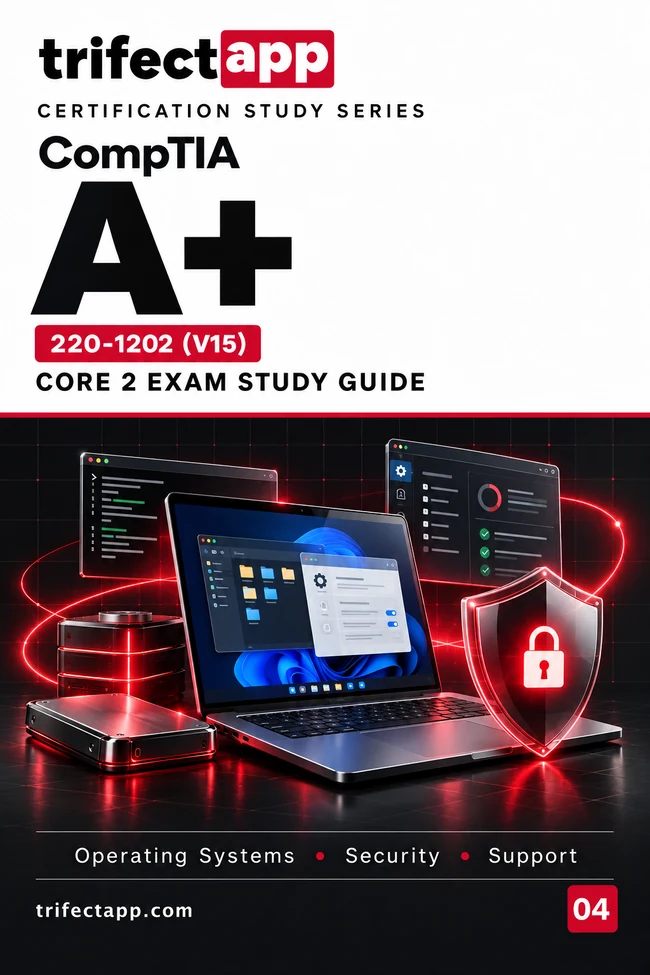
CompTIA A+ Core 2 220-1202 (V15) Exam Study Guide cover

A+ Core 2

220-1202 · V15

Included with lifetime access

Your next chapter.
Right beside your practice.

Diagrams, worked examples, activities and practice questions. Keep the matching A+ guides close as you work through the topics.

All four ebooks. Included.

A+ Core 1 · A+ Core 2 · Network+ · Security+

All four PDF exam study guides are included with your lifetime access. No additional purchase is required.

One focused training bundle

Start with A+.
Keep the whole
trifecta within reach.

Bring A+, Network+ and Security+ preparation together. Move between practice, feedback and practical work as your study goals develop.

A+ Core 1 & 2

Network+

Security+

TRIFECTAPP TRAINING ACCESS

$24.99

One payment · Lifetime access

  • A+, Network+ and Security+ preparation
  • Practice exams with performance analytics
  • Performance-based questions
  • Hands-on labs
  • All four PDF exam study guides

All four ebooks are included. Certification exam vouchers are not included. Current terms are shown at checkout.

Before you start

A few useful
answers.

Know what you’re getting and how to use it.

Yes. A+ requires two exams from the same version. This page covers V15: Core 1 (220-1201) and Core 2 (220-1202). Plan a study routine for each exam.

The Trifectapp training bundle includes A+, Network+ and Security+ practice exams, performance analytics, performance-based questions, hands-on labs and all four PDF exam study guides. One payment gives you lifetime access. Check the checkout for the current price and terms before purchasing.

Yes. Your lifetime access includes all four PDF exam study guides: A+ Core 1, A+ Core 2, Network+ and Security+. No additional purchase or charge is required.

No. Analytics help you spot gaps and follow your progress. Use your topic results, understanding of explanations and practical work together when deciding what to study next. A practice percentage is not a CompTIA scaled exam score or a guarantee of passing.

No. Trifectapp provides preparation resources. Book and pay for the certification exam separately through CompTIA or its authorized testing provider.

These short activities are interactive samples. The analytics use illustrative data and the lab output is simulated. Your purchased training and student account are accessed through Trifectapp.

CompTIA A+ training

Lifetime bundle · $24.99